


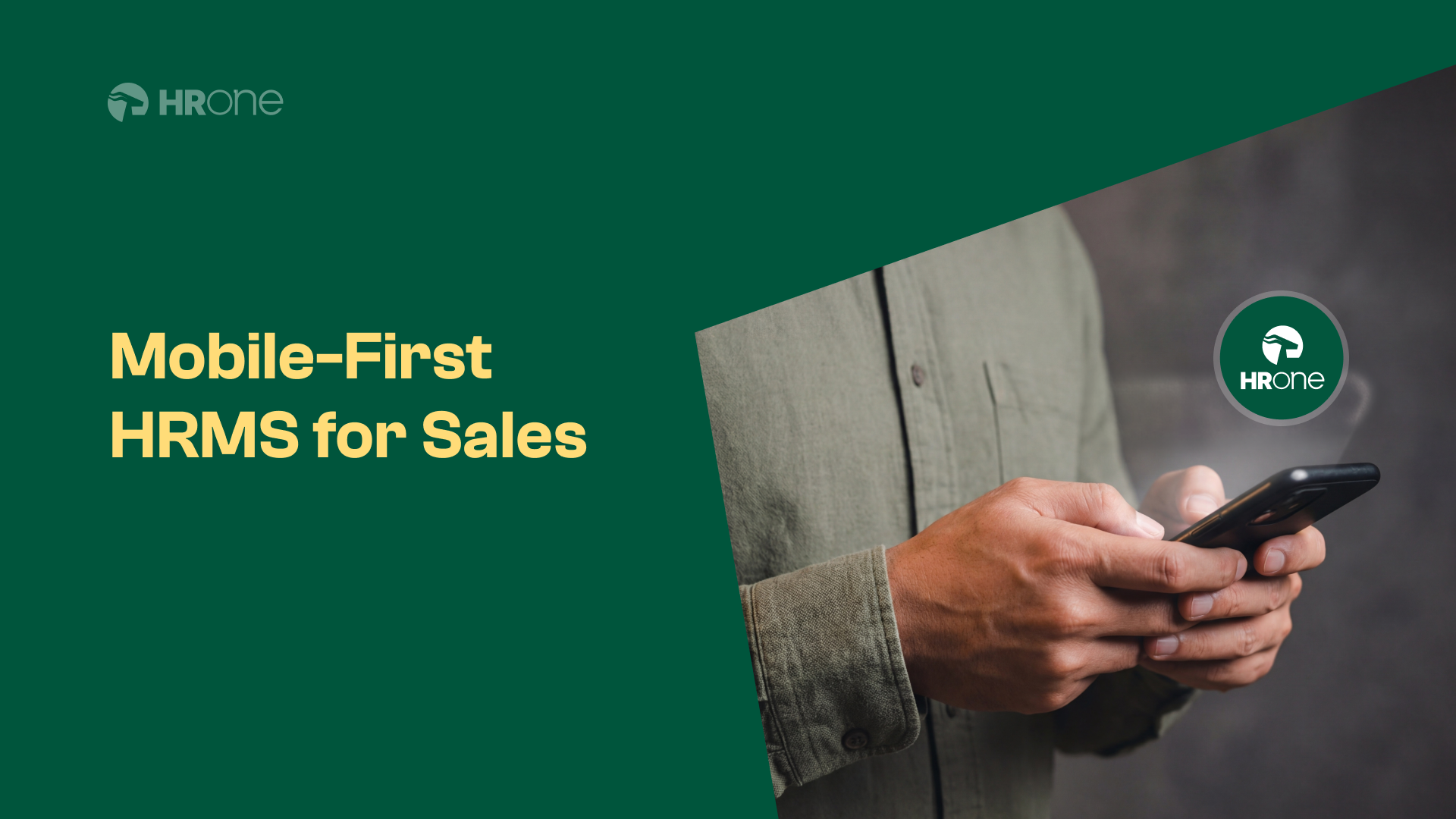
Mobile-first HRMS isn’t just a tech upgrade anymore. It’s become the difference between HR teams drowning in administrative chaos and those actually supporting business growth. The shift happening in 2026 tells us something important about where workforce management is heading.
The Growing Challenge of Managing Remote Field Sales Teams
India’s field sales workforce has grown by 34% since 2022. FMCG, pharmaceuticals, insurance, and consumer durables companies now deploy millions of executives who rarely see an office. And here’s the problem. These employees operate in conditions that traditional HR systems were never designed to handle.
Think about a typical day for a field sales executive in Tier 2 India. They’re travelling between retail outlets, collecting orders, managing customer relationships, and hitting targets. Somewhere in between, they’re expected to mark attendance, submit expense claims, and apply for leave. On a desktop system. That they don’t have access to.
The friction points are predictable:
- Attendance fraud through buddy punching and false location claims
- Expense reimbursements delayed by 30 to 45 days due to manual processing
- Leave requests getting lost in email chains
- Compliance gaps in labour law documentation
- Communication breakdowns between field and head office
Why traditional HR systems fall short for field teams
Legacy HRMS platforms were built for employees sitting at desks. They assume stable internet connections, large screens, and dedicated work hours. Field teams operate in the exact opposite environment.
I’ve seen companies try workarounds. WhatsApp groups for attendance. Excel sheets emailed weekly. Paper expense forms collected during monthly meetings. The result? HR teams spending 60% of their time on data entry and reconciliation. Payroll errors becoming a monthly crisis. And field employees feeling disconnected from the organisation.
The fundamental issue is architectural. Desktop-first systems treat mobile as an afterthought. A clunky app bolted onto existing infrastructure. That’s not mobile-first. That’s mobile-forced.
Key Benefits of Mobile-First HRMS for Field Sales Operations
Switching to a genuinely mobile-first HRMS changes the operational equation completely. The benefits show up across multiple dimensions.
The productivity gains are significant. Field teams save 45 to 60 minutes daily on administrative tasks. HR teams reduce data processing time by 70%. And managers get real-time visibility instead of waiting for weekly reports.
| Benefit Area | Traditional HRMS | Mobile-First HRMS |
|---|---|---|
| Attendance Accuracy | 65-70% | 95-98% |
| Expense Processing Time | 25-35 days | 3-5 days |
| Leave Request Resolution | 48-72 hours | 2-4 hours |
| Employee Self-Service Usage | 20-30% | 85-90% |
| Payroll Error Rate | 8-12% | 1-2% |
Real-Time Tracking and Attendance Management
GPS-enabled check-ins have transformed attendance management for field teams. Employees mark attendance from their actual location. The system captures coordinates, timestamps, and even photographs where required.
Geofencing adds another layer. You can define specific territories or client locations. Attendance only gets recorded when the employee is physically present within designated boundaries. This eliminates proxy attendance entirely.
But here’s what really matters. The data becomes useful. Managers see heat maps of field activity. They identify patterns. Which territories are being covered thoroughly? Which are being neglected? Attendance data becomes business intelligence.
Faster expense and reimbursement processes
Mobile expense management might be the biggest win for field sales teams. Think about the old process. Collect paper receipts. Fill physical forms. Submit during office visits. Wait for approvals. Hope for reimbursement within the month. It was tedious for everyone.
Now? Snap a photo of the receipt. The app extracts details automatically. Submit instantly. Manager approves on their phone during their commute. Finance processes within the approval policy timeline.
The fraud reduction is real too. GPS tagging on expense submissions. Duplicate receipt detection. Automated policy compliance checks. One HROne client reported 23% reduction in fraudulent expense claims within six months of implementation.
Essential Features to Look for in a Mobile-First HRMS
Not all mobile HRMS solutions are equal. Some are genuine mobile-first platforms. Others are desktop systems with mobile interfaces. The difference matters.
When evaluating options, focus on capabilities that actually serve field workforce needs.
Must-have mobile HRMS capabilities in 2026
| Feature Category | Essential Capabilities | Nice-to-Have Additions |
|---|---|---|
| Offline Functionality | Full feature access without internet, automatic sync when connected | Predictive data caching based on usage patterns |
| Authentication | Biometric login, facial recognition attendance | Voice-based authentication |
| Location Services | GPS tracking, geofencing, route mapping | Territory analytics, competitor location tracking |
| Communication | Push notifications, in-app messaging, announcement broadcasts | Video calling, team collaboration spaces |
| Self-Service | Leave requests, expense claims, payslip access, tax declarations | Learning modules, career development tools |
| Integration | Payroll systems, CRM platforms, ERP software | Third-party travel booking, fleet management |
| Analytics | Individual dashboards, manager reports, compliance tracking | Predictive analytics, AI-powered insights |
The offline functionality deserves special attention. Field teams in rural India face inconsistent connectivity. Your HRMS needs to work in railway compartments, remote towns, and areas with patchy network coverage. If it doesn’t, adoption will fail regardless of other features.
Battery consumption matters too. Apps that drain phones in four hours are unusable for field teams who spend entire days away from charging points. Check real-world battery impact before committing.
ROI and Business Impact: What the Data Shows
The business case for mobile-first HRMS is strong. I’ve tracked implementations across multiple industries, and the numbers consistently support the investment.
| Metric | Average Improvement | Time to Realise |
|---|---|---|
| HR Administrative Time Saved | 55-65% | 3-6 months |
| Payroll Processing Errors | 75-85% reduction | Immediate |
| Expense Claim Fraud | 20-30% reduction | 6-9 months |
| Employee Self-Service Adoption | 300-400% increase | 3-4 months |
| Time to Fill Leave Requests | 80% faster | Immediate |
| Compliance Documentation | 95%+ completeness | 6 months |
Cost savings vary by organisation size. A 500-person field team typically sees annual savings of Rs 15 to 25 lakhs in HR administrative costs alone. Add reduced fraud, faster reimbursements improving employee satisfaction, and better compliance reducing legal risk. The total value grows substantially.
Measuring Success with Mobile HRMS Implementation
Track these KPIs from day one:
- Adoption rate: What percentage of field employees actively use the app weekly? Target above 80% within three months.
- Processing time: How quickly are leave requests, expense claims, and other transactions completed? Benchmark against pre-implementation baselines.
- Error rates: Monitor payroll discrepancies, attendance corrections, and compliance gaps. These should drop sharply.
- Employee NPS: Survey field teams quarterly. Their satisfaction with HR processes indicates system effectiveness.
- Manager visibility scores: Ask managers whether they have better insight into team activities. This drives business value beyond HR efficiency.
How to Successfully Transition to a Mobile-First HRMS
Implementation determines success or failure. I’ve watched technically superior solutions fail because of poor rollout. And simpler platforms succeed through excellent change management.
Start with problem identification. Don’t assume you know what field teams need. Spend time with them. Shadow their daily routines. Understand exactly where current HR processes create friction. This shapes your requirements and builds buy-in simultaneously.
Involve field teams in vendor selection. Let them test shortlisted solutions. Their feedback on usability matters more than feature comparison spreadsheets. They’ll be the daily users. Their comfort determines adoption.
Plan for phased rollout. Don’t switch 1,000 employees simultaneously. Start with a pilot group of 50 to 100. Learn from their experience. Fix issues. Build internal champions who can support wider deployment.
Best Practices for Field Team HRMS Adoption
Driving adoption among non-desk workers requires specific tactics:
- Simplify onboarding: First-time app setup should take under five minutes. Pre-configure accounts before device distribution.
- Create video tutorials: Short, vernacular language videos work better than written guides for field teams.
- Gamify initial usage: Leaderboards, badges, and small rewards encourage early engagement.
- Establish support channels: WhatsApp helplines or in-app chat support resolve issues quickly.
- Address concerns directly: Field employees often worry about surveillance. Be transparent about what gets tracked and why.
- Celebrate wins publicly: Share success stories. Highlight employees who benefited from faster reimbursements or easier leave requests.
Conclusion
Field sales teams are switching to mobile-first HRMS because the alternative has become untenable. Managing distributed workforces with desktop-bound systems creates friction at every touchpoint. The 2026 shift reflects a fundamental recognition that HR technology must meet employees where they work.
Organisations that adapt gain competitive advantage through better field team productivity, reduced administrative burden, and stronger employee experience. Those that don’t will continue losing time, money, and talent to preventable inefficiencies. The technology exists. Platforms like HROne have proven the model works. The question is simply whether your organisation will act on it.











 Secures Top Spot in
